
Gallery
A visual tour of Agentic Forge's components and features.
Forge UI - Chat Interface
The main user interface for interacting with AI agents. Built with Vue.js and PrimeVue.
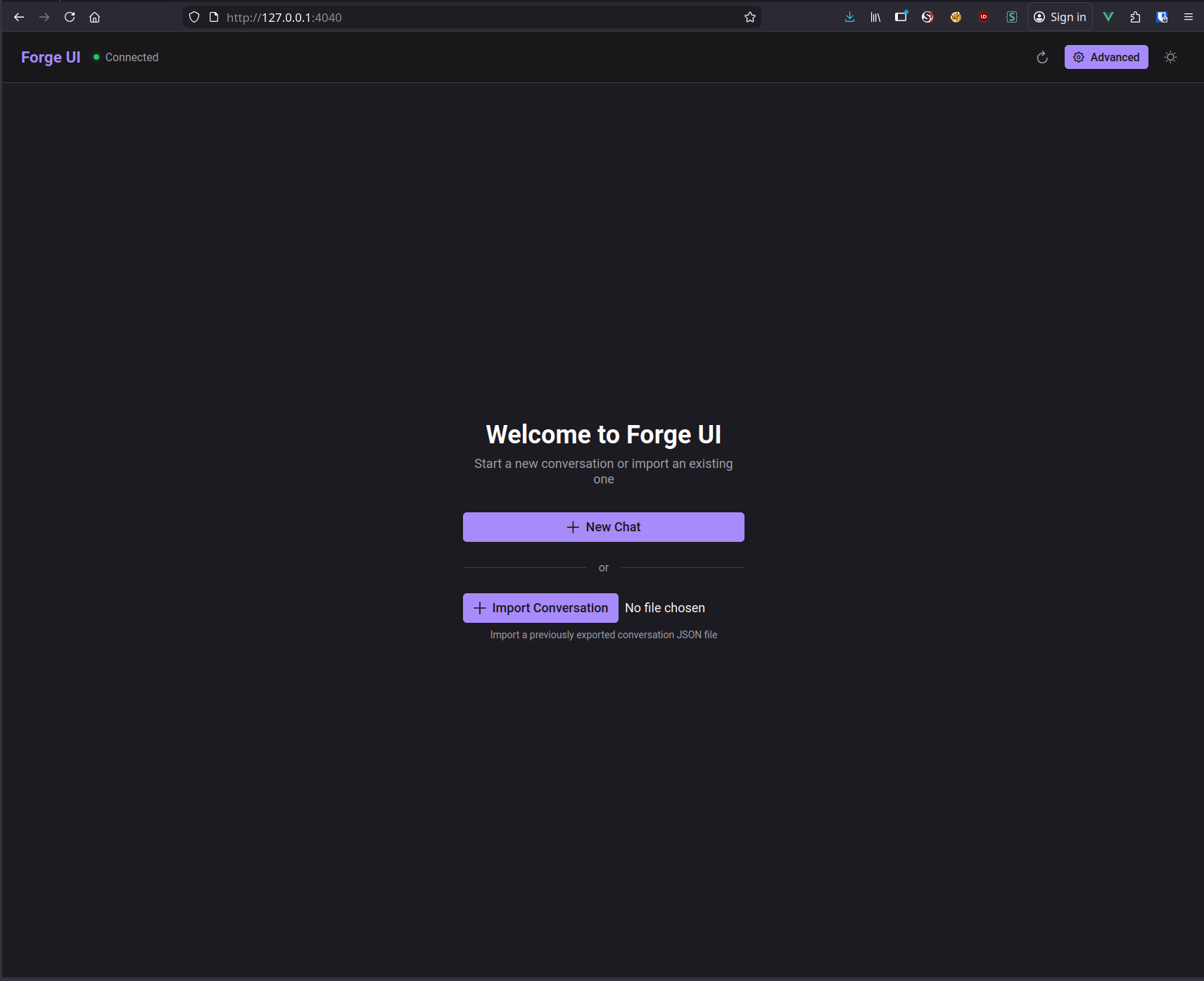
Welcome Screen
Clean landing page with options to start a new conversation or import an existing one.
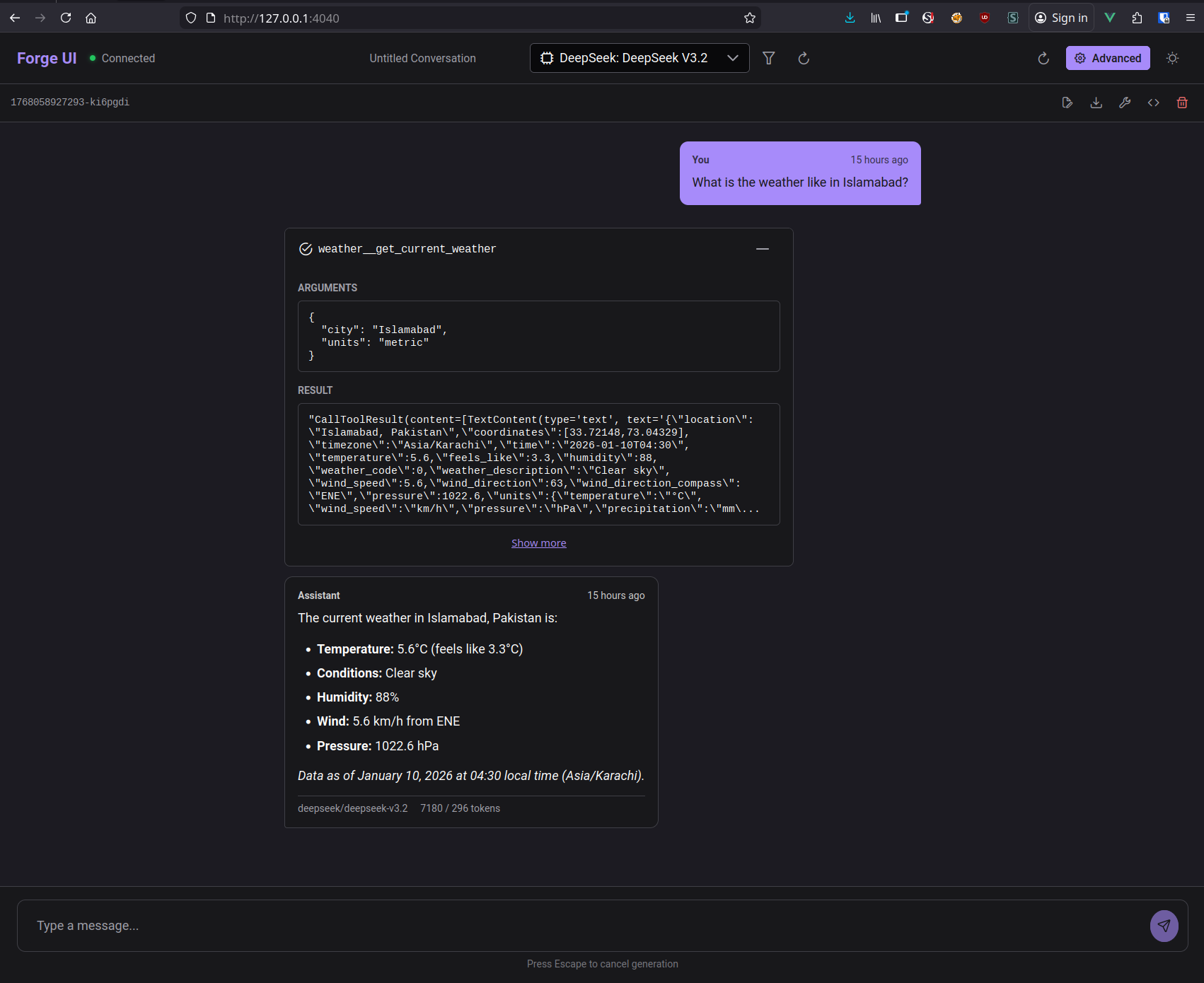
Chat with Tool Calls
Watch the AI use tools in real-time. Expandable tool call panels show arguments and results.
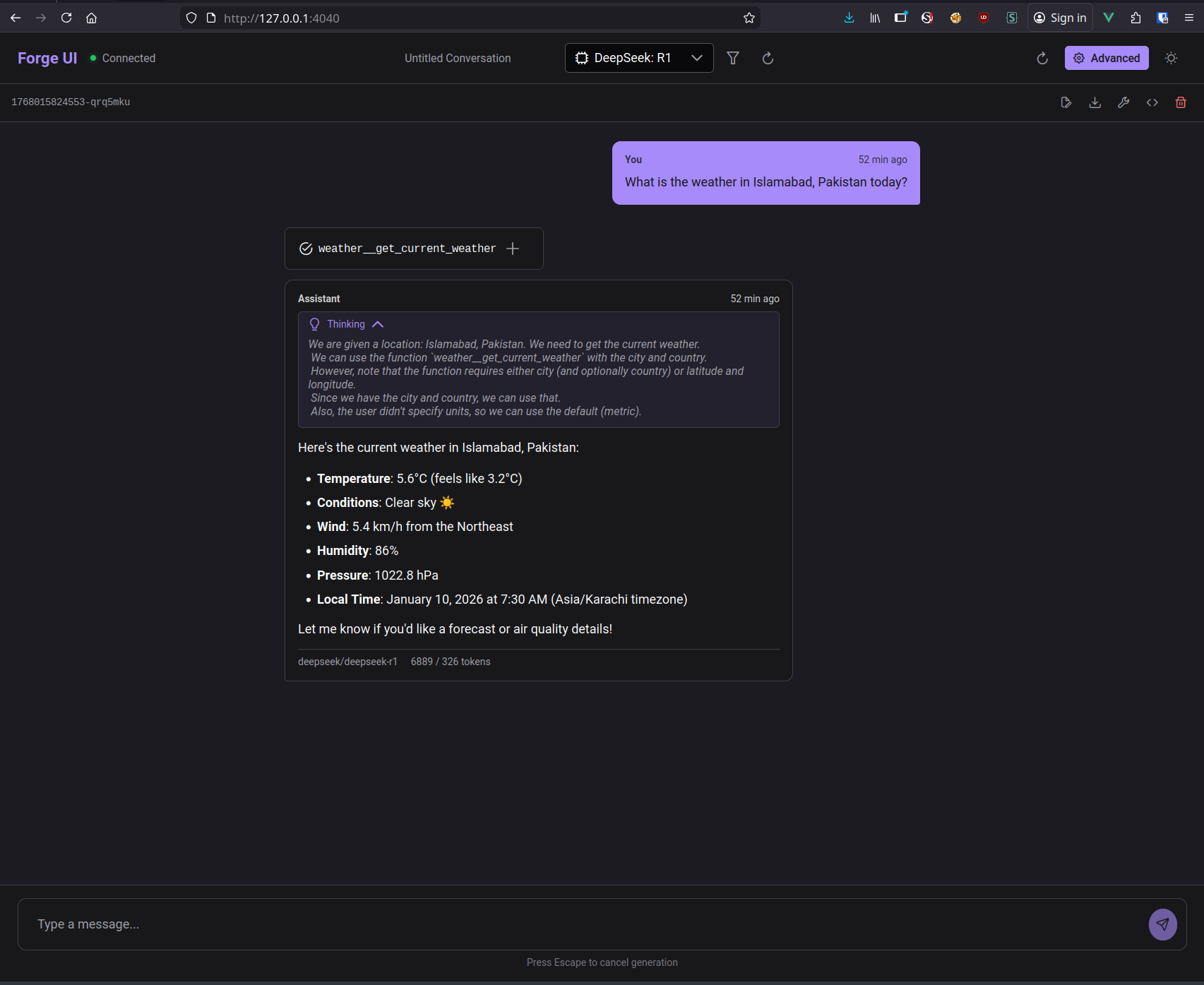
Extended Thinking
Models with reasoning capabilities (like DeepSeek R1) show their thinking process.
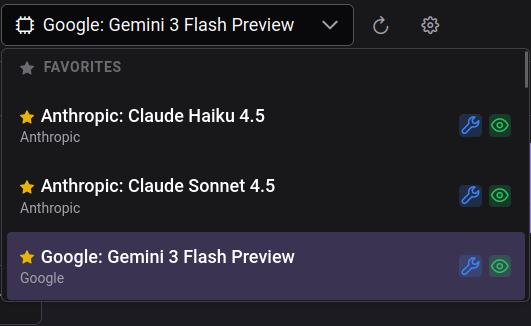
Model Selection with Favorites
The model dropdown shows your favorited models first, then recent models, making it easy to access the models you use most.
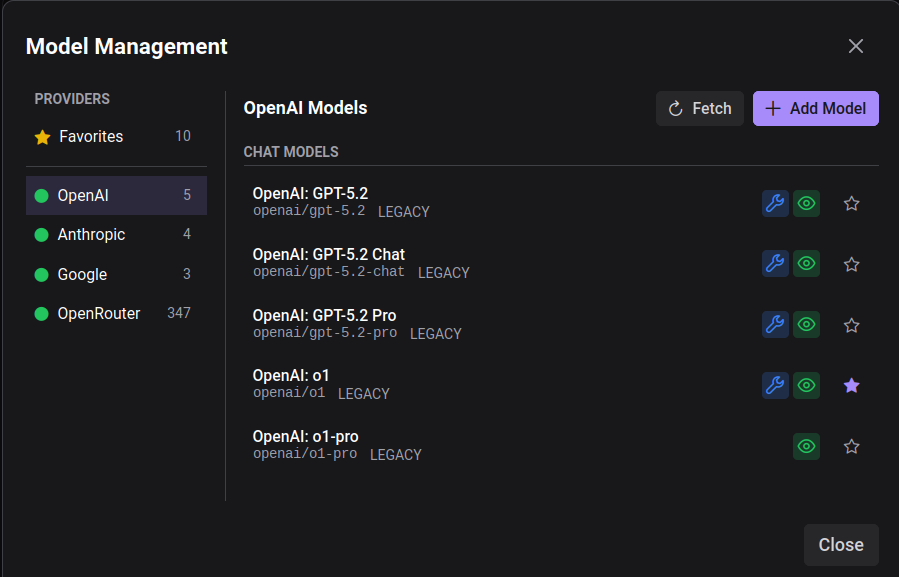
Model Management
A dedicated modal for managing models across multiple providers. Star your favorites, fetch models from provider APIs, or add models manually.
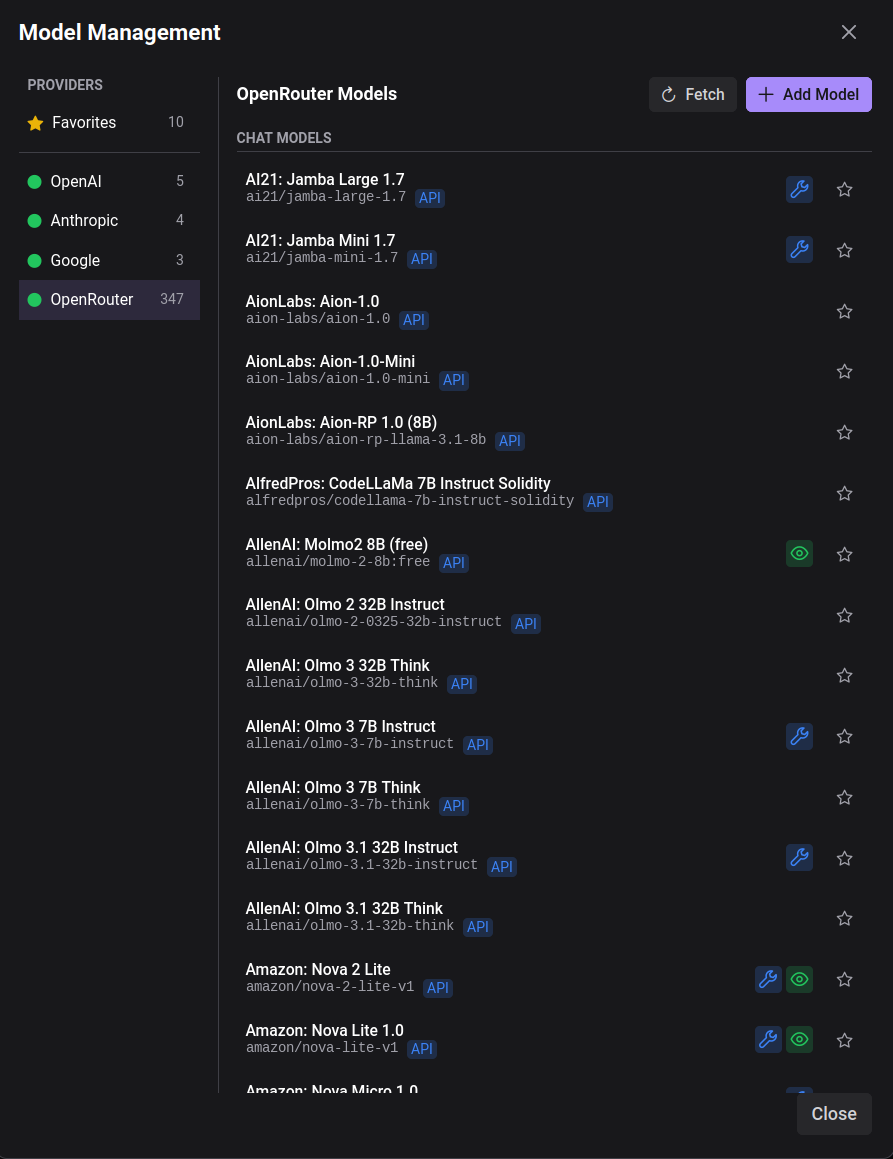
300+ Models via OpenRouter
Connect to OpenRouter for access to 300+ models from dozens of providers. Each model shows capability badges (tools, vision) and source tags.
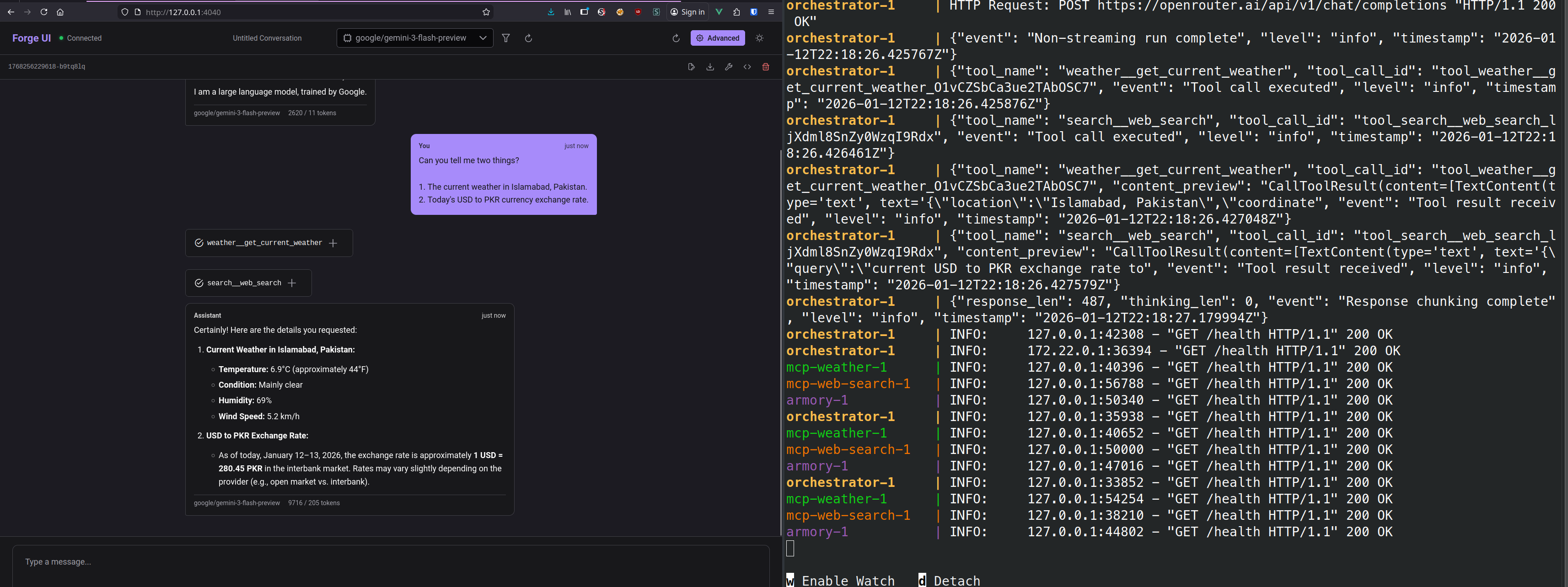
Parallel Tool Calls
Advanced queries trigger multiple tool calls simultaneously. The UI tracks each one.
Forge Armory - MCP Gateway
The protocol gateway that aggregates MCP servers and exposes them through a unified interface.
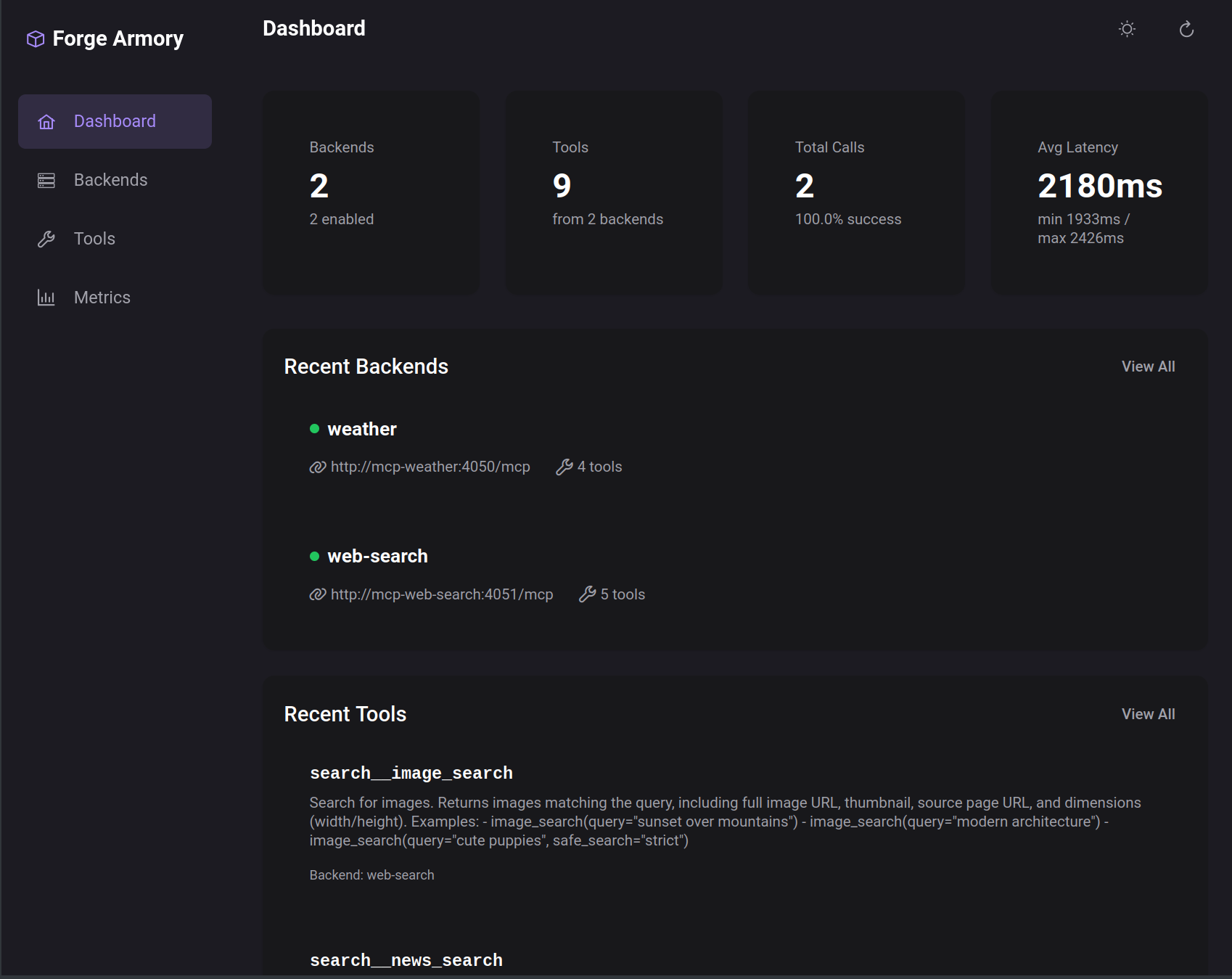
Dashboard Overview
At-a-glance metrics: connected backends, available tools, call statistics, and latency.
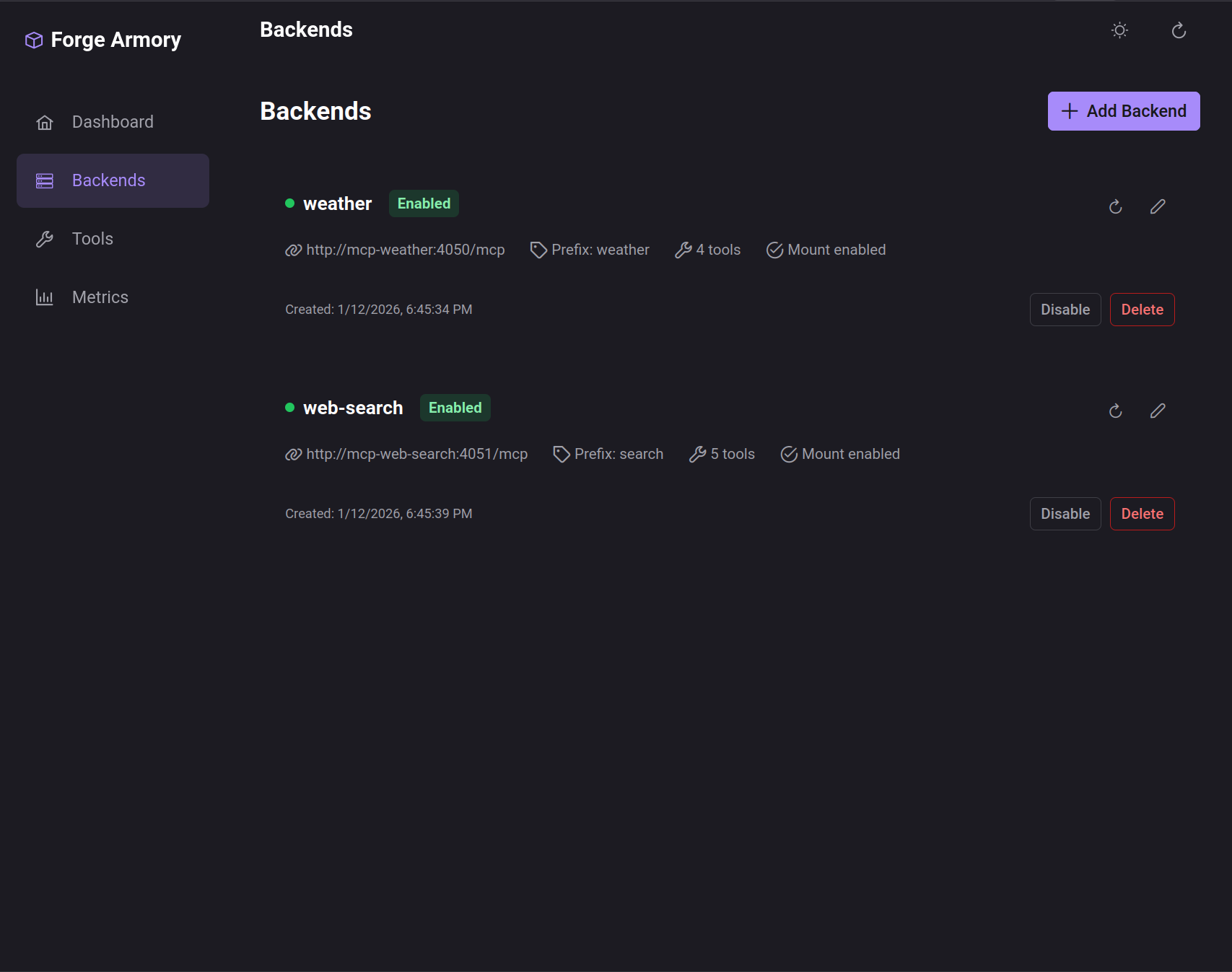
Backend Management
Add, configure, enable/disable MCP server backends. Each backend contributes tools to the unified registry.
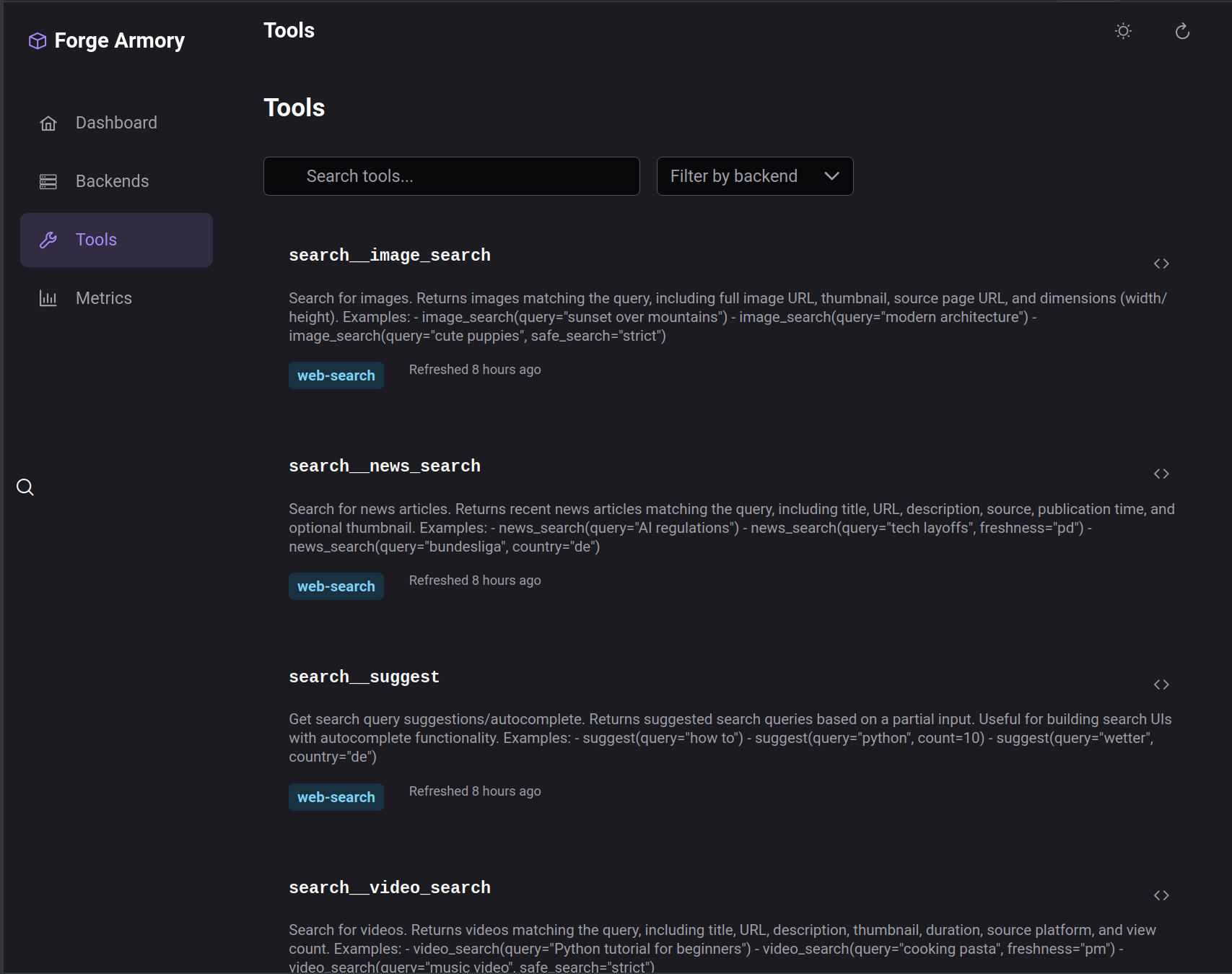
Tool Registry
Browse all available tools across backends. Search by name, filter by backend, view schemas.
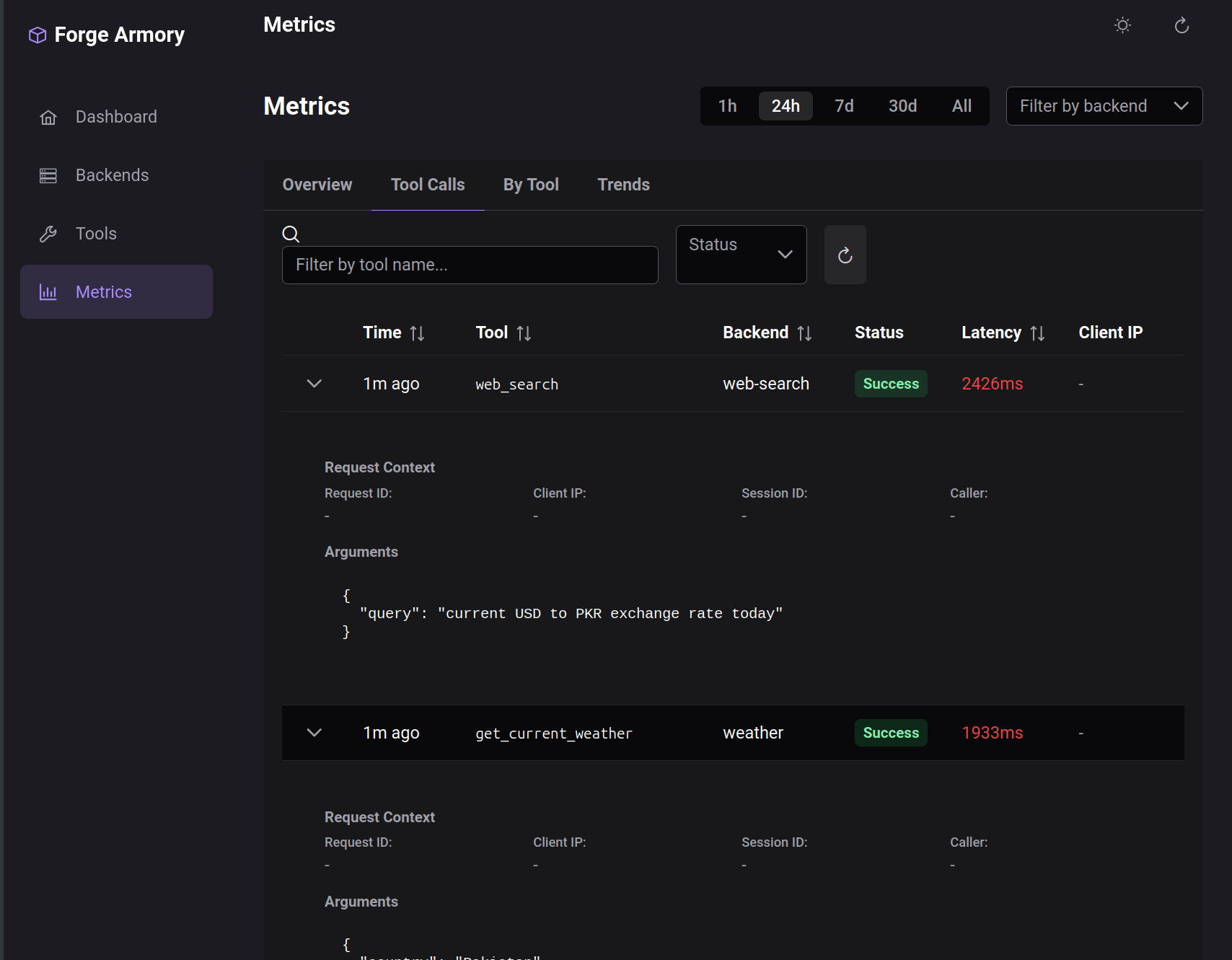
Metrics & Observability
Track tool call history, latency, success rates. Filter by time range, tool, or backend.
Development Environment
tmux-based Development
Native development with hot reload. All services running in organized tmux panes.
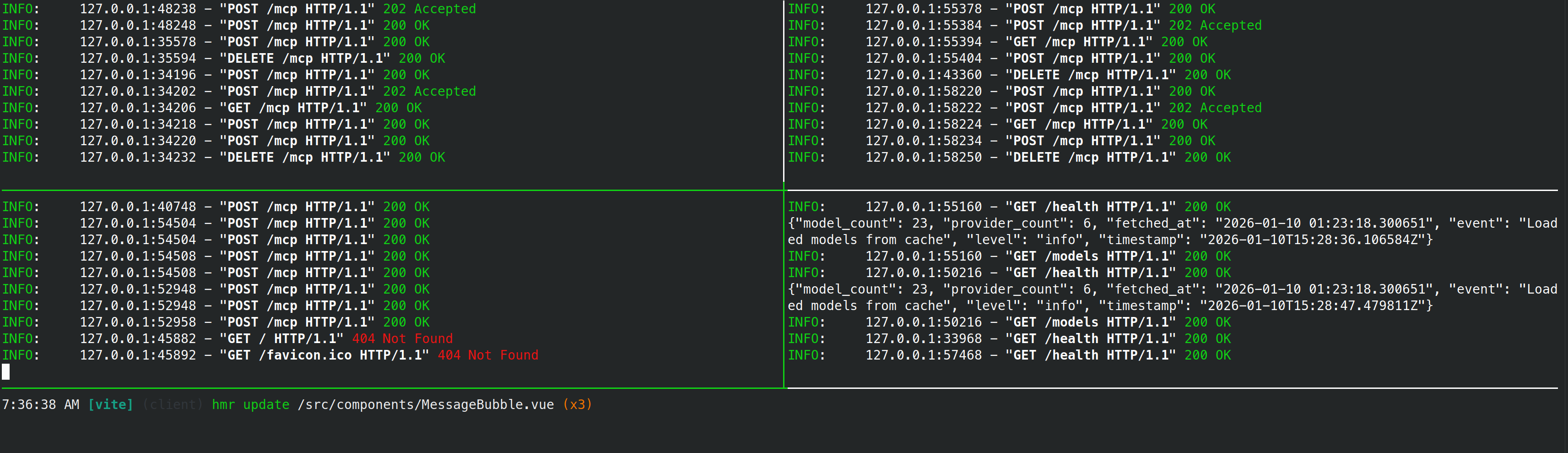
The dev-start.sh script launches:
- forge-ui - Frontend with Vite hot reload
- forge-orchestrator - Python backend with auto-restart
- forge-armory - Gateway with live config
- MCP servers - Weather and web search
Ready to try it yourself? Head to the Getting Started guide!